
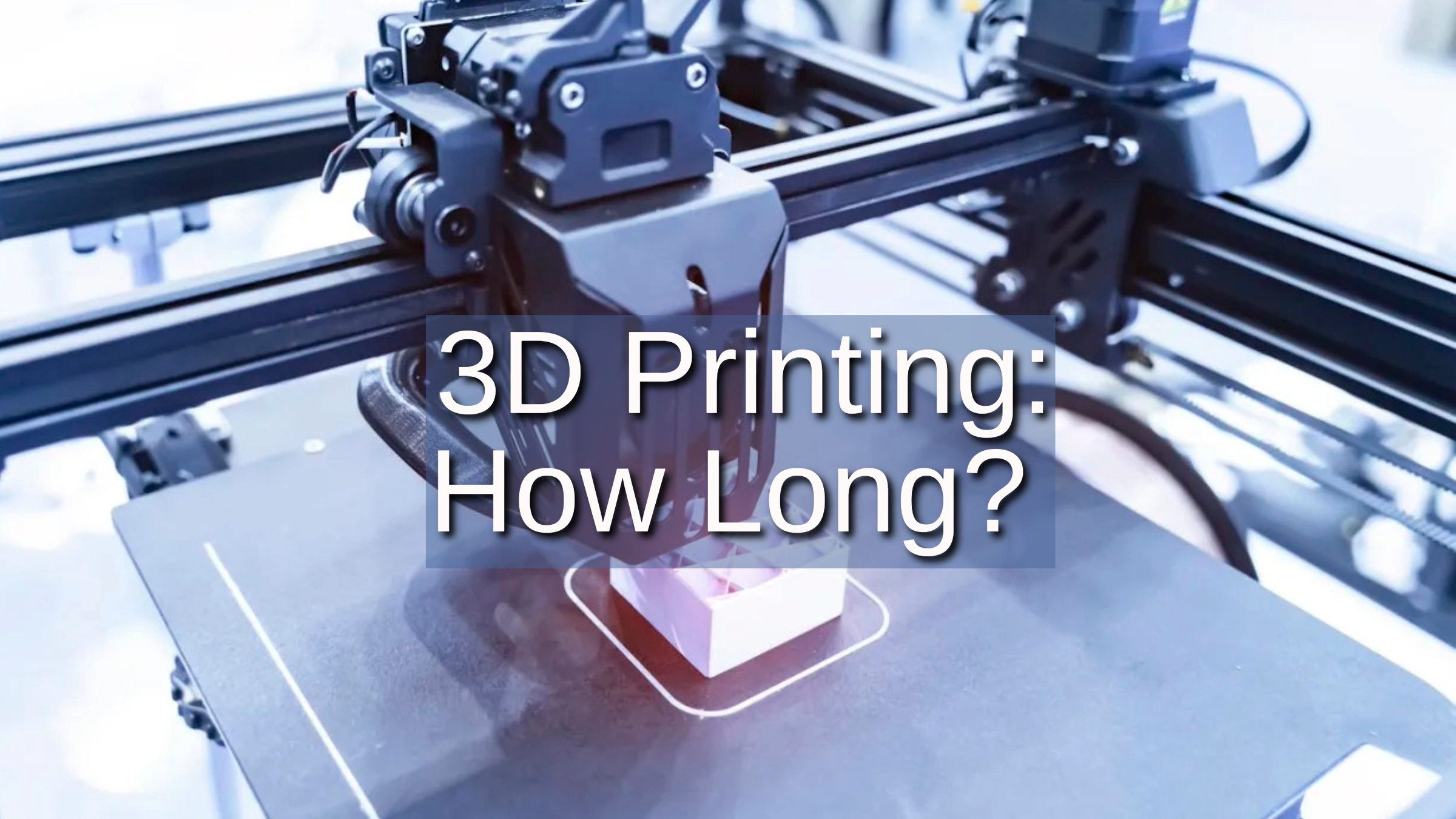
Learn how to estimate your project’s printing time by exploring key factors like model complexity, printer type, and material used.
Introduction
3D printing, also known as additive manufacturing, allows for the creation of three-dimensional objects layer by layer from digital models.
One of the most significant concerns for users, whether hobbyists or professionals, is the time it takes to complete a print. Printing times can range from minutes to days, depending on various factors.
This article will provide a detailed overview of the factors that influence 3D printing time, practical ways to reduce print time, and examples of real-life printing projects.
What Affects 3D Printing Time?
Several factors influence how long a 3D print will take. These factors can either shorten or extend the printing time depending on your specific project:
Model Complexity
Simple Models: Basic shapes and geometric designs print relatively quickly because they require fewer layers and infill.
Complex Models: Intricate designs with detailed features, overhangs, and curved surfaces take significantly longer. These models often require more layers and may need support structures, which further increases print time.
Surface Details: Fine details, textures, and small components also increase the time needed, as each feature requires more precision during the printing process.
Object Size
Large Objects: Bigger objects, especially those with significant height or volume, take longer to print because they require more layers. Printing each layer slowly and accurately can extend the printing time.
Small Objects: Smaller designs generally take less time, but if they're highly detailed, they can still require longer printing times due to precision requirements.
Layer Height (Resolution)
Smaller Layer Heights: The thinner each layer is, the more layers are needed to complete the object, which increases the overall print time. However, smaller layers result in higher resolution and smoother surfaces.
Larger Layer Heights: Thicker layers speed up the printing process, but at the cost of a rougher surface finish and lower resolution. If surface quality is not a priority, this can be a time-saving adjustment.
Print Speed
Slower Speeds for Quality: Printing at a slower speed can produce finer details, reduce errors, and improve layer adhesion. However, this will lengthen the time required to complete the object.
Faster Speeds for Efficiency: Increasing print speed can save time but may sacrifice precision and strength, leading to lower-quality prints. Most 3D printers allow you to adjust the print speed, but finding the balance between speed and quality is crucial.
Printer Type
FDM (Fused Deposition Modeling): A common 3D printer that builds objects layer by layer with thermoplastic filaments. It is slower, especially for detailed models.
Source: phillipscorp.com
SLA (Stereolithography): Uses resin and UV light to create layers. Faster than FDM for small to medium parts, but slower for large objects.
Source: facfox.com
SLS (Selective Laser Sintering): Uses a laser to fuse powdered material. It’s faster for printing multiple complex parts but requires extra time for post-processing (removing excess powder).
Source: indiamart.com
Material Type
PLA (Polylactic Acid): One of the fastest printing materials due to its ease of use and low temperature requirements.
ABS (Acrylonitrile Butadiene Styrene): A durable material but slower to print because it requires higher temperatures and cooling time between layers.
Nylon: A tough, flexible material often used in industrial applications, but it requires longer print times due to its tendency to warp.
Resin: Used in SLA printers, resin printing can be faster for fine details but requires additional time for post-processing, like curing and cleaning the print.
Infill Density
Lower Infill: Reducing infill percentage decreases print time but results in a less sturdy object. This is ideal for prototypes or decorative items where strength is not a priority.
Higher Infill: Higher infill makes the object stronger but also takes longer to print, as more material is deposited layer by layer.
Support Structures
Complex models with overhangs require support structures, which take additional time to print and then remove. This post-processing step can further extend the overall printing time.
How to Reduce 3D Printing Time?
If you want to minimize your 3D printing time without sacrificing too much quality, there are several strategies you can employ:
Optimize Print Settings
Increase Layer Height: If surface smoothness is not a priority, increasing the layer height can significantly reduce print time. A larger layer height means fewer layers to print, which speeds up the process.
Adjust Print Speed: Use faster speeds for larger objects with fewer details, but keep in mind that higher speeds can lead to defects.
Reduce Infill Density: Lower infill percentage can decrease the amount of material used and cut down on print time, especially for non-functional or decorative prints.
Simplify Model Design
Reduce Complexity: Simplify your design by removing unnecessary details or breaking it down into simpler components.
Avoid Overhangs: Design with minimal overhangs or use fillets to reduce the need for support structures.
Use a More Efficient Printer
If print time is a recurring issue, consider upgrading to a faster 3D printer, such as an SLA or SLS machine.
If you need to print multiple objects, printing them simultaneously (batch printing) can reduce overall time for projects with many components.
Choose the Right Material
Choose a material like PLA, which prints faster and with fewer complications than materials like ABS or nylon.
Post-Processing Time
Choose a printer and material that require minimal post-processing steps, such as reducing the need for support removal or additional curing.
Real-Life 3D Printing Time Examples
Here's a table displaying the real-life 3D printing time examples. It provides a clear, organized overview of various 3D printing projects and their corresponding timeframes based on their complexity and size.
Object Type | Estimated Print Time | Details |
|---|---|---|
Small Object (e.g., Keychain, Phone Stand) | 30 minutes to 2 hours | Low complexity, minimal support structures |
Medium-Sized Object (e.g., Figurine, Gadget Part) | 4 to 12 hours | Moderate complexity with fine details, medium infill |
Large Object (e.g., Full-Scale Prototype, Cosplay Helmet) | 12 hours to multiple days | High complexity, multiple parts, dense infill for strength |
Custom Mechanical Part | 8 hours | Medium complexity, low infill, and moderate print speed |
Conclusion
3D printing times vary widely depending on a range of factors such as model complexity, printer type, material used, and desired resolution. While some prints can be completed in under an hour, others may take days or even longer.
By understanding the key factors that affect printing time and applying optimization strategies, you can reduce the duration of your print jobs and achieve the results you want faster.
Unionfab: Your 3D Printing Partner
At Unionfab, we provide comprehensive 3D printing services tailored to meet the specific needs of various industries. Whether you're working on a prototype or looking to manufacture small batches of a complex design, we can help streamline the process and reduce your printing time.
Contact us today to bring your 3D designs to life with precision and efficiency!
FAQS
Can I Pause a 3D Print Midway?
Yes, many printers allow you to pause and resume printing, but long pauses can affect the print quality.
Does Material Type Affect Print Time?
Yes, materials like PLA or ABS print at different speeds, and resin prints (SLA) may take less time for detailed objects compared to filament prints.
How Long Does It Take to Print a 3D Printer?
Generally, you wouldn't print an entire 3D printer, but rather specific components, which are then assembled. For example, printing a basic frame, motor mounts, and bed support parts for a simple FDM printer might take 1–3 hours per component, depending on infill and layer height settings. The total time for all printable parts can be around 20–30 hours.